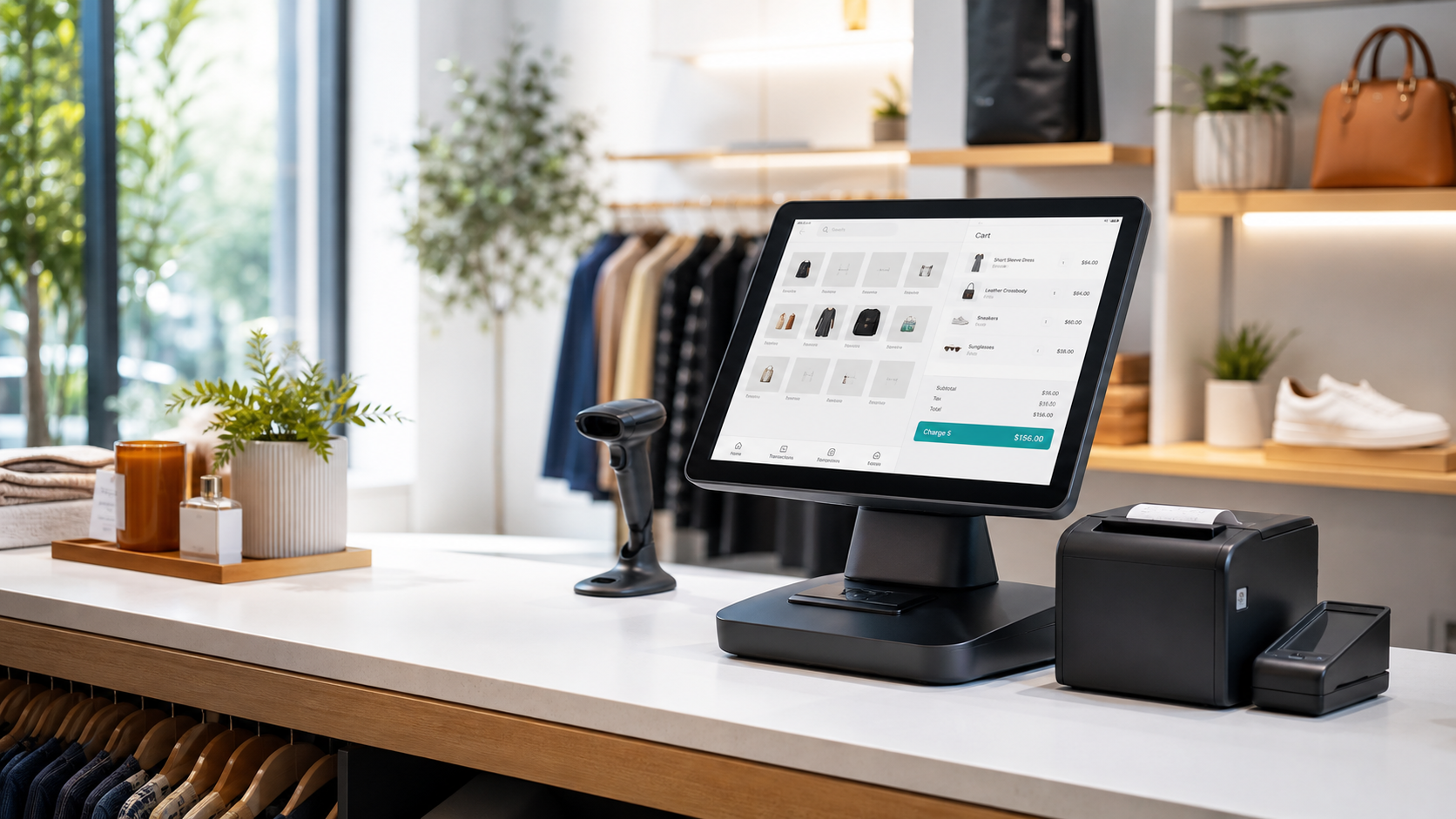
Sell faster
Barcode scanning, item search, returns, discounts, and register workflows stay clear and quick.
Retail POS, inventory sync, and store control
Run sales, stores, registers, staff, and inventory from one fast POS built for retailers who need clean checkout and real control behind the counter.
One counter, every workflow
SwiftTill keeps the POS screen simple for cashiers while the back office gives managers the tools they need to control pricing, stock, registers, and reporting.
Made for daily retail work
Barcode scanning, item search, returns, discounts, and register workflows stay clear and quick.
Assign registers and devices to locations so each sale posts to the correct store inventory.
Start POS-only, then connect Run My Stock later and sync items, categories, suppliers, and locations.
Shared Auth manages company logins, MFA, sessions, roles, and product access across your platform.
Platform features
Keep the POS app separate for speed and checkout reliability while using shared account control for company access, product subscriptions, and cross-app inventory sync.
Cashier sales screen, manager back office, store settings, register assignment, and role-based access.
Two-way product, category, supplier, active status, and stock movement sync when Inventory is enabled.
Daily sales, cash variance, product movement, location performance, and manager-level visibility.
Provision POS tenants, enable products, manage subscriptions, restore backups, and check login health.
Hardware ready
Touchscreen POS, cash drawer, barcode scanner, receipt printer, and payment terminal workflows.
Track POS devices and assign them to stores so every sale has the right location context.
Keep a local operational cache for checkout speed while syncing stock and movement events centrally.
Simple starting point
SwiftTill POS
For retailers testing checkout, stores, registers, staff, and POS-level inventory.
POS + Run My Stock
For companies that need full inventory ownership with POS selling from assigned locations.
Questions
Yes. POS can run independently, then import the POS baseline into Run My Stock when Inventory is enabled.
Yes. Inventory can push locations, products, categories, suppliers, and stock into POS once POS access is enabled.
Shared Auth owns company logins, MFA, product access, roles, sessions, reset flows, and login auditing.
No. They stay separate apps with separate user experiences, connected by shared auth and formal sync services.
Ready to sell
Use this website as the public front door for free trials, demos, and account creation.